
Excavata
Mobile Features

Everything you need for recording in the field — designed for phones and tablets running iOS and Android.

Field Recording

Structured forms for every recording scenario your project requires.
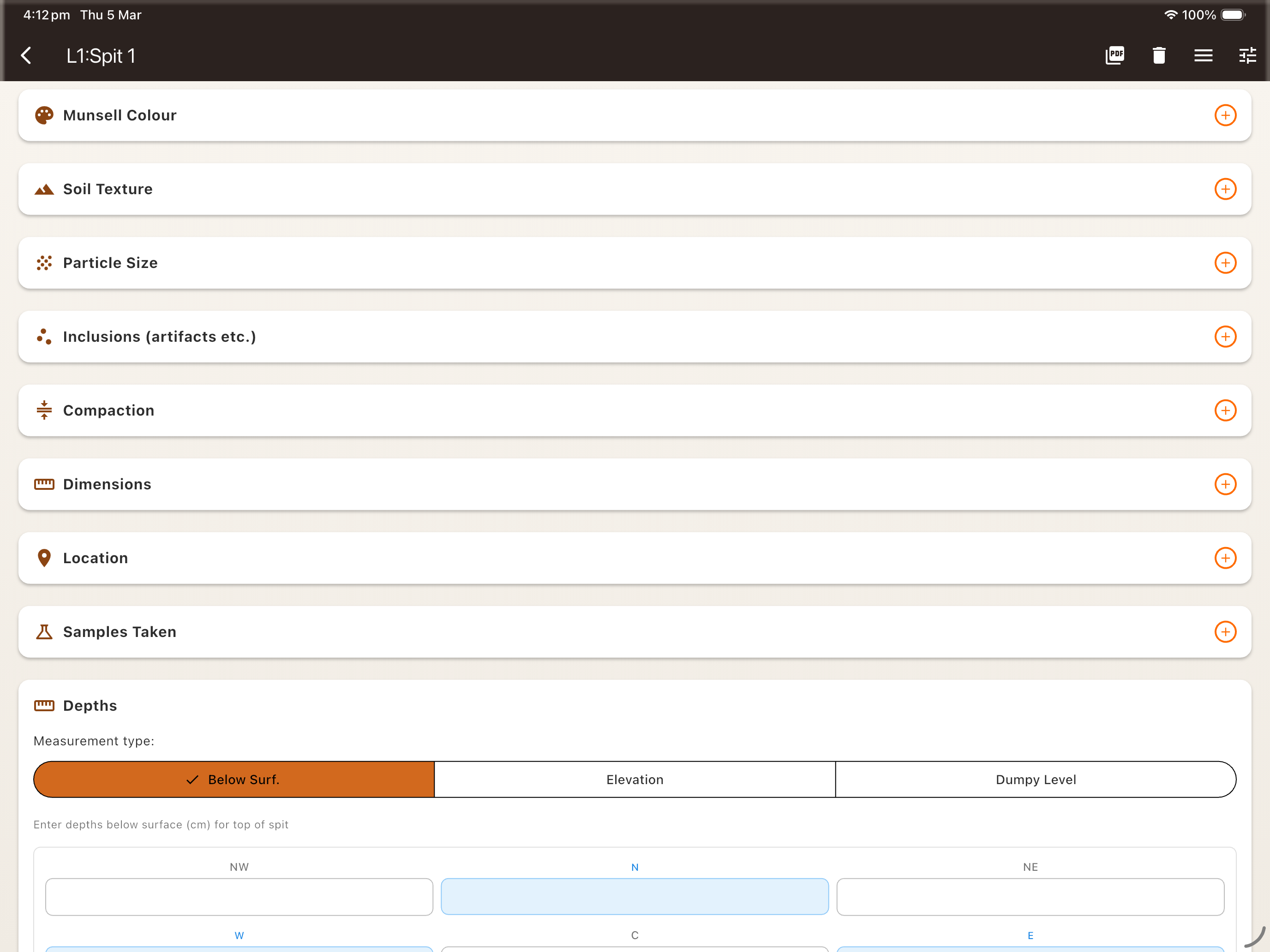
  • Layers & spits with customisable attributes
  • Context recording with stratigraphic relationships
  • Surface survey data collection
  • Configurable recording templates
Field recording form for layers and spits

Artifact & Sample Cataloguing

Log finds and samples on the spot with full metadata capture.
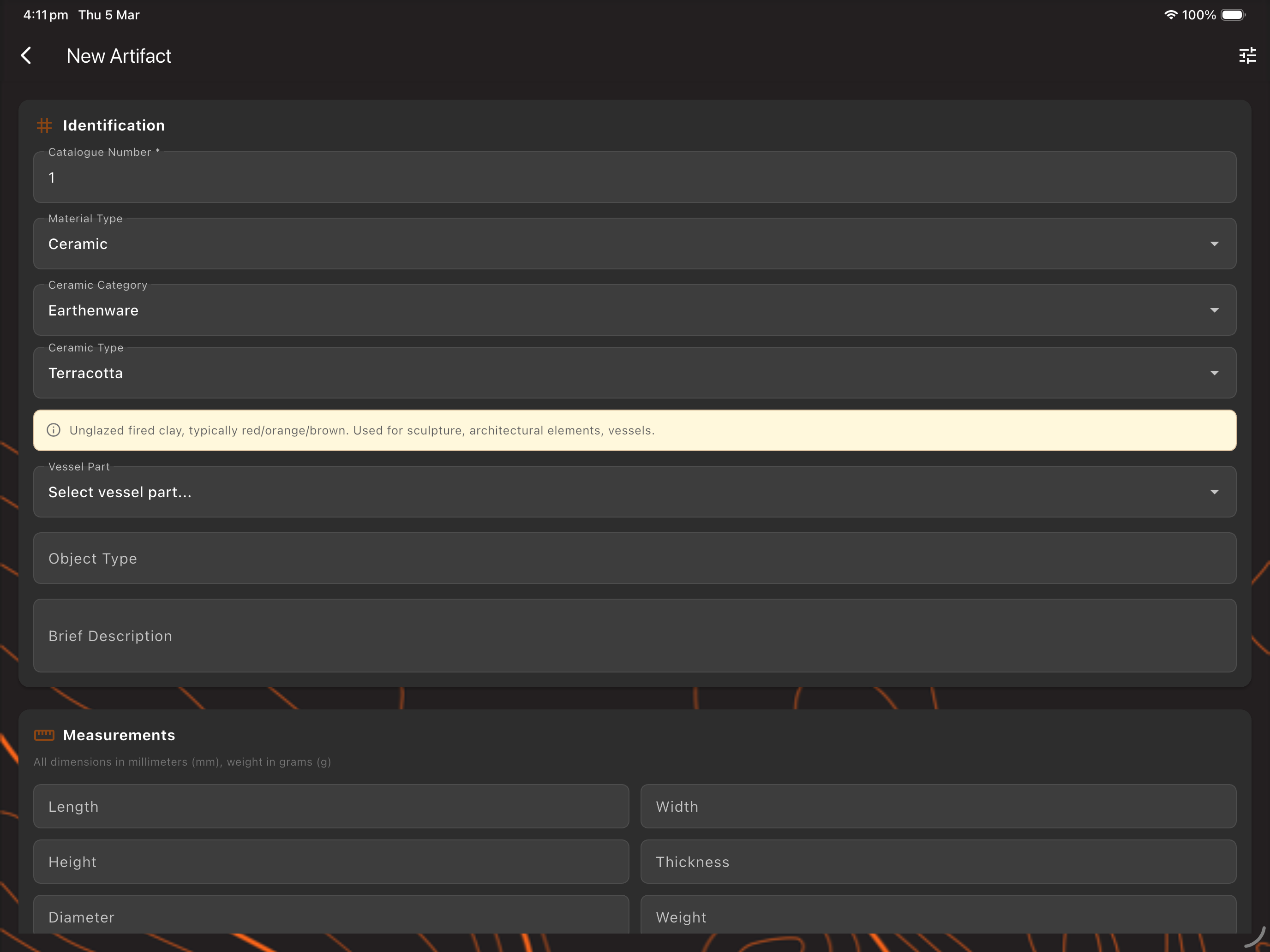
  • Artifact registration with material, type, and dimensions
  • Soil & environmental sample tracking
  • Barcode / QR code scanning for bag labels
  • Linked to parent context automatically
Artifact and sample cataloguing with metadata capture

Photo Documentation

Capture and organise excavation photographs with embedded location data.

  • Automatic GPS coordinate tagging
  • Link photos to contexts, artifacts, or samples
  • Add captions and direction metadata
  • Gallery view with filtering

Built-In Field Tools

Essential reference guides and calculators, right in the app — no extra books or apps needed.

  • Auto dumpy level calculation
  • Munsell colour guide
  • Soil texture guide
  • Soil grain size reference
  • Square layout calculator
  • Photo board generator

Plan Drawing Tool

Draw scaled archaeological plans directly on your tablet.
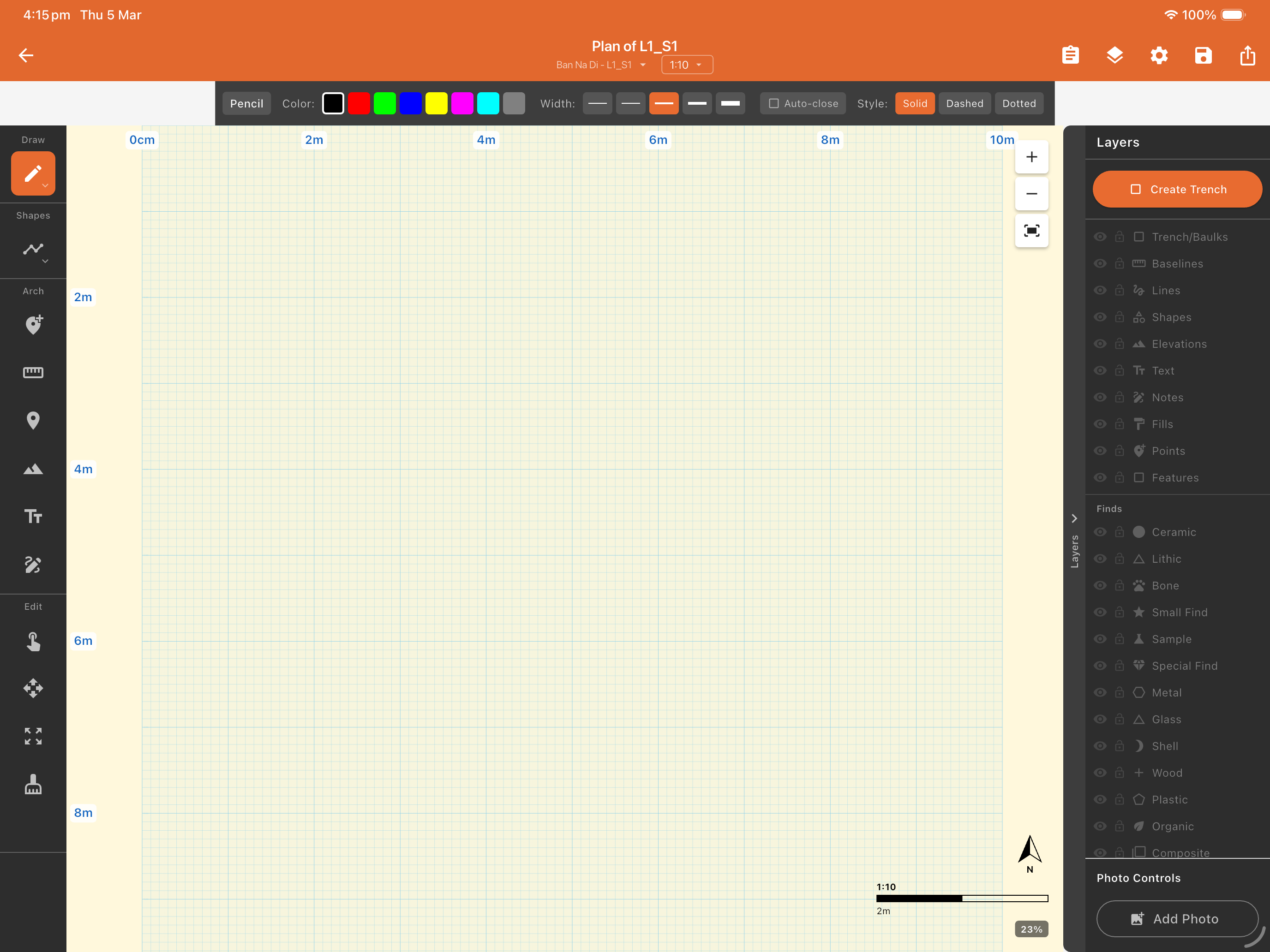
  • Freehand and shape drawing tools
  • Snap-to-grid and scale bar support
  • Layer-based drawing management
  • Export drawings as SVG or image
Plan drawing tool for scaled archaeological plans

Total Station Integration

Connect to your total station over WiFi for live spatial data capture.
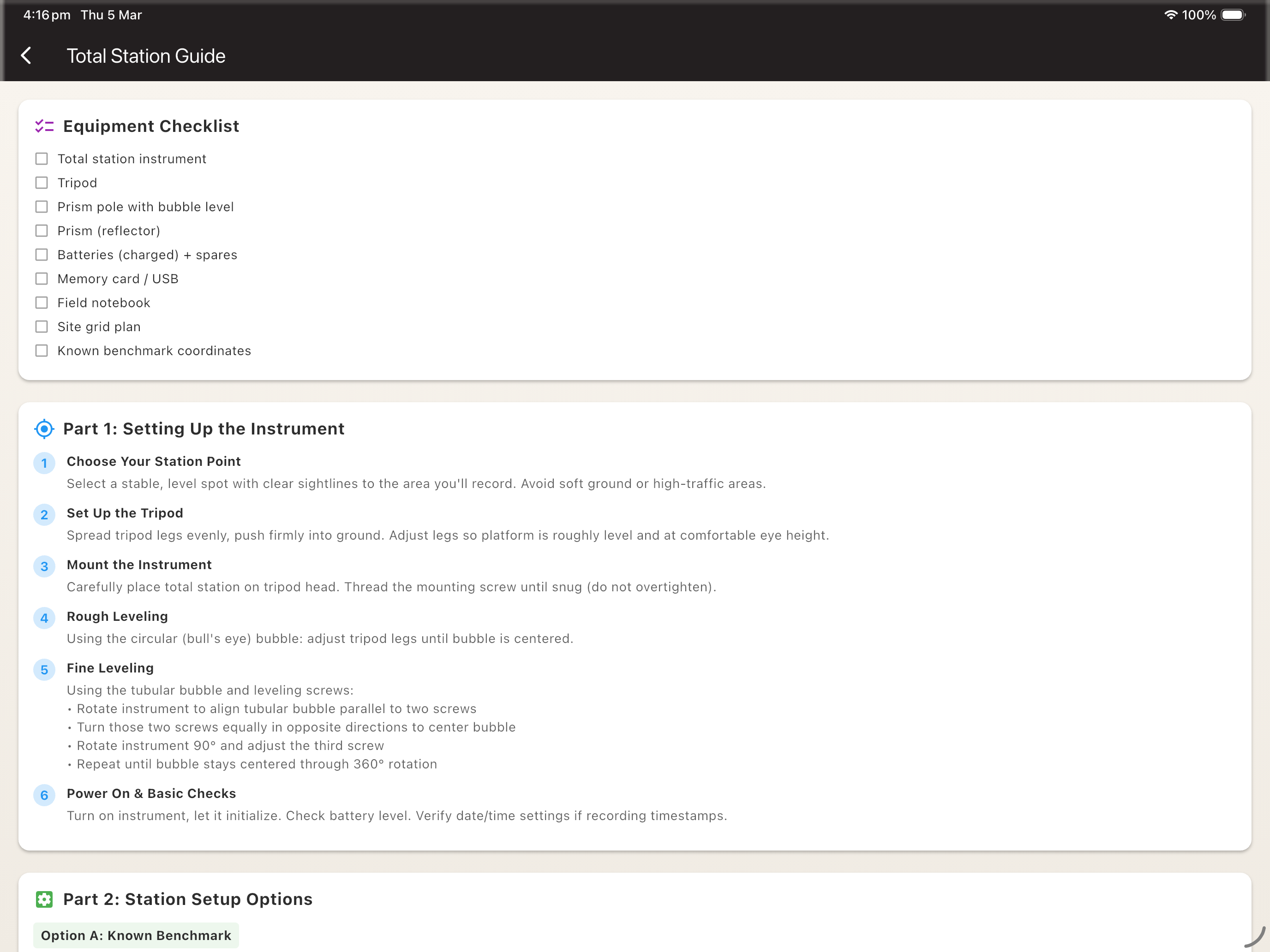
  • Live WiFi connection to supported total stations
  • Real-time point plotting on site plans
  • Automatic coordinate assignment to contexts
  • Point cloud import/export
Total station integration with live WiFi connection

Team Sync

Share data between team members on-site — no internet connection required.
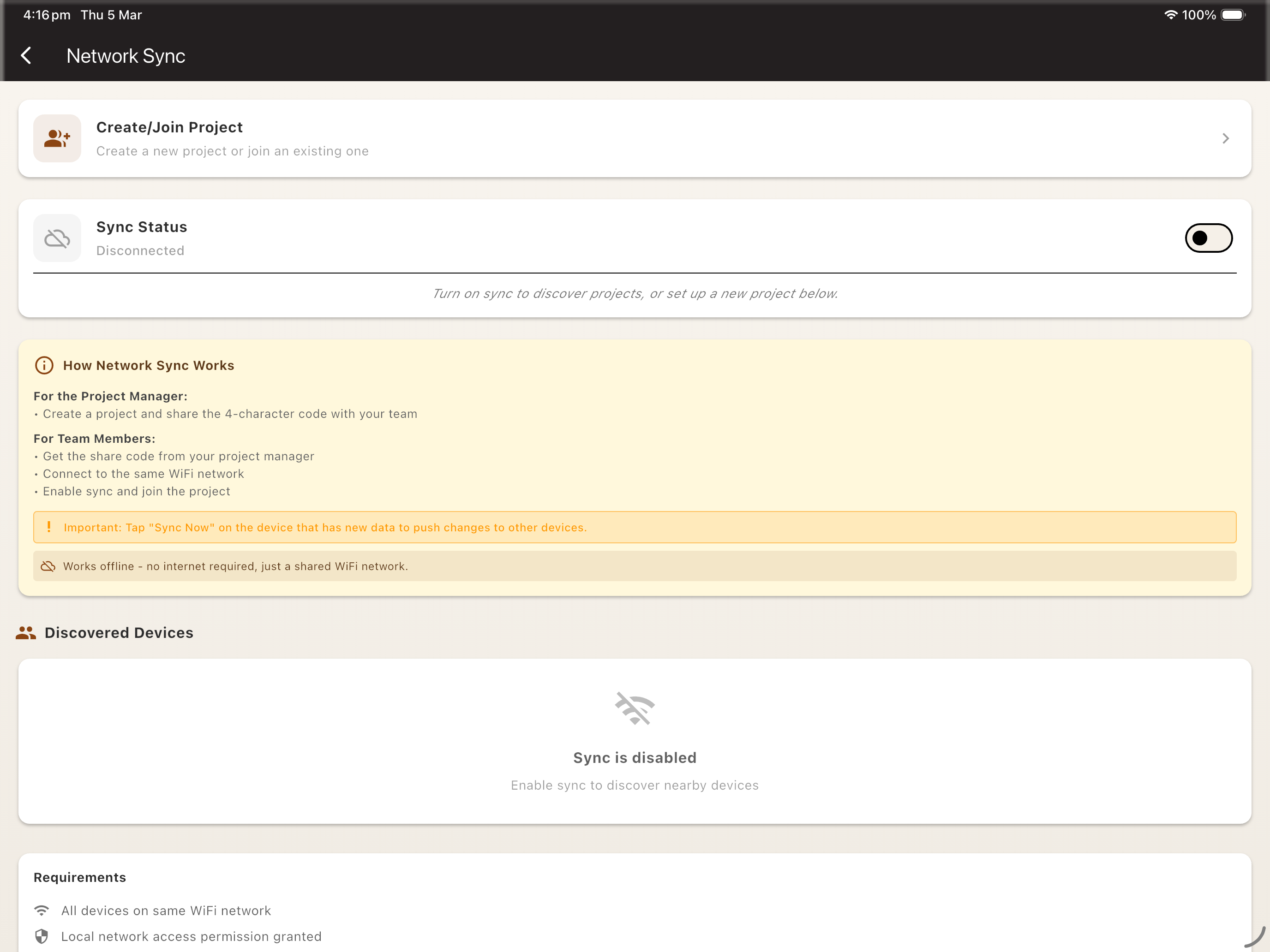
  • Local peer-to-peer synchronisation
  • Conflict resolution for simultaneous edits
  • Works over WiFi hotspot or local network
  • Sync status dashboard
Team sync with peer-to-peer synchronisation

Speech-to-Text Voice Input

Dictate field notes and descriptions hands-free while you work.
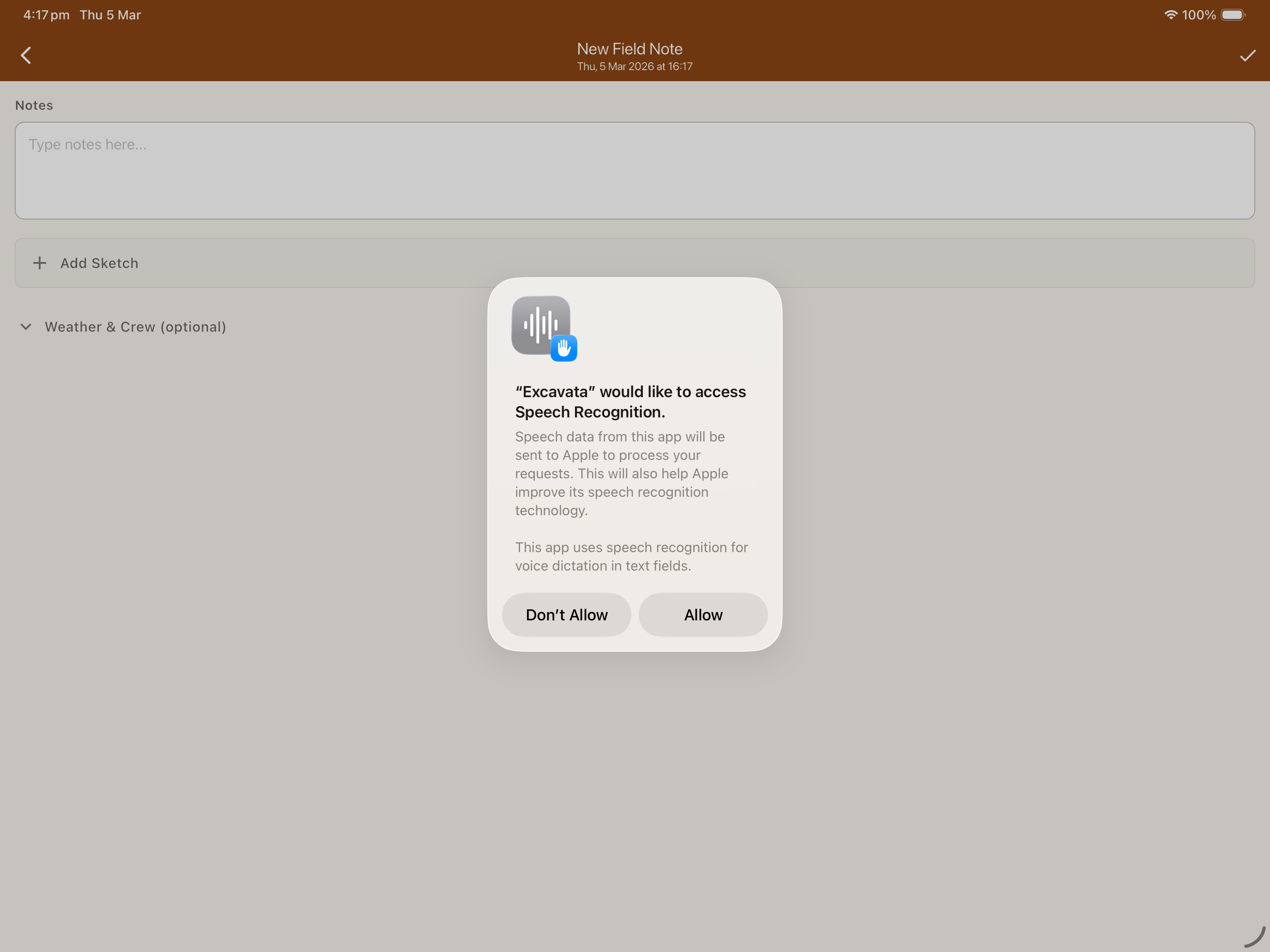
  • On-device speech recognition
  • Works offline — no internet needed
  • Automatic punctuation and formatting
  • Inline editing after dictation
Speech-to-text voice input for hands-free field notes

Cloud Backup

Keep your excavation data safe with automatic cloud backups.
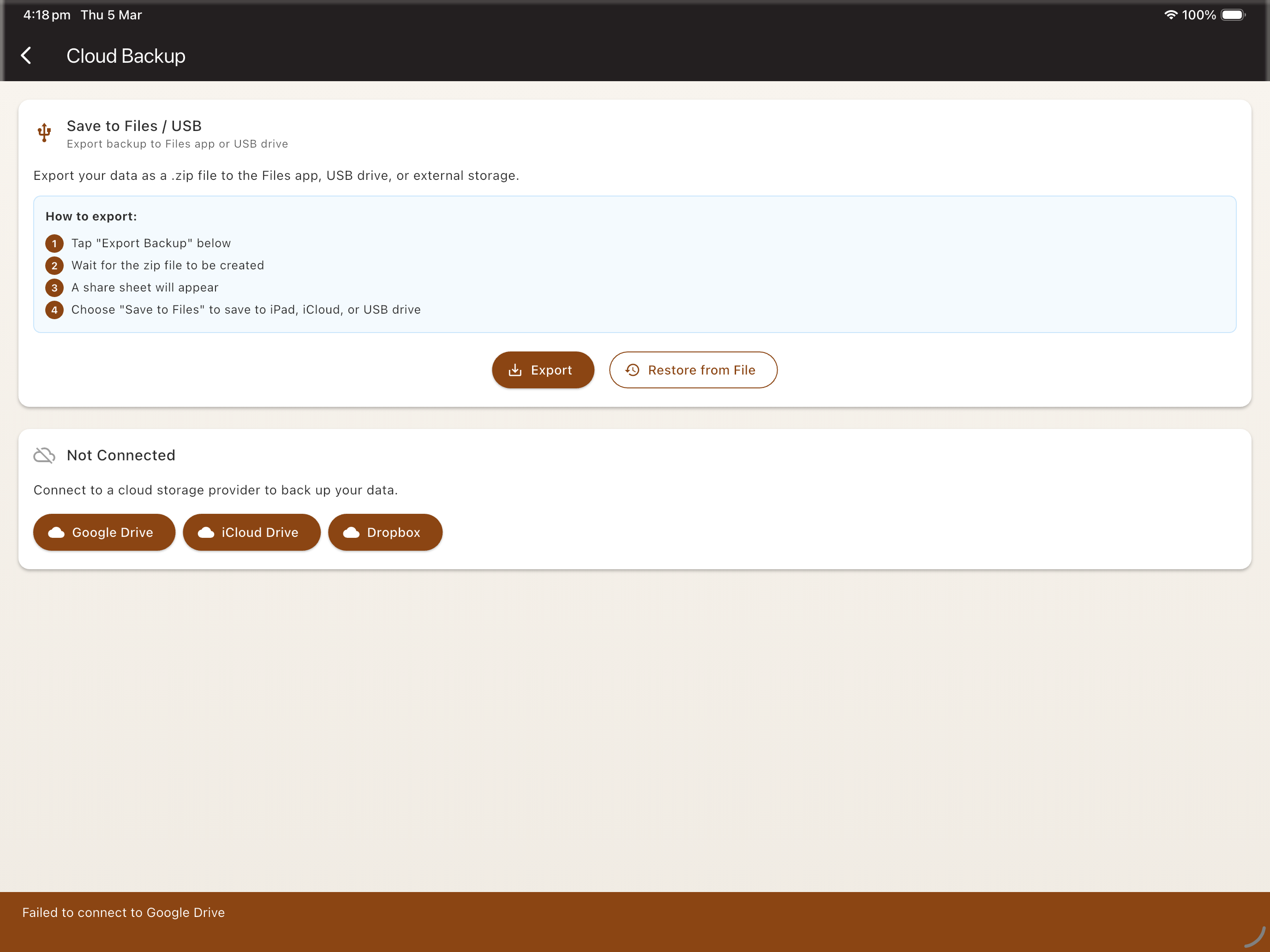
  • Automatic background backups to the cloud
  • Restore projects to any device from backup
  • Version history for added peace of mind
  • Encrypted storage to protect sensitive site data
Cloud backup with automatic background sync and version history

Multi-Language Support

Use Excavata in the language that works best for your team.
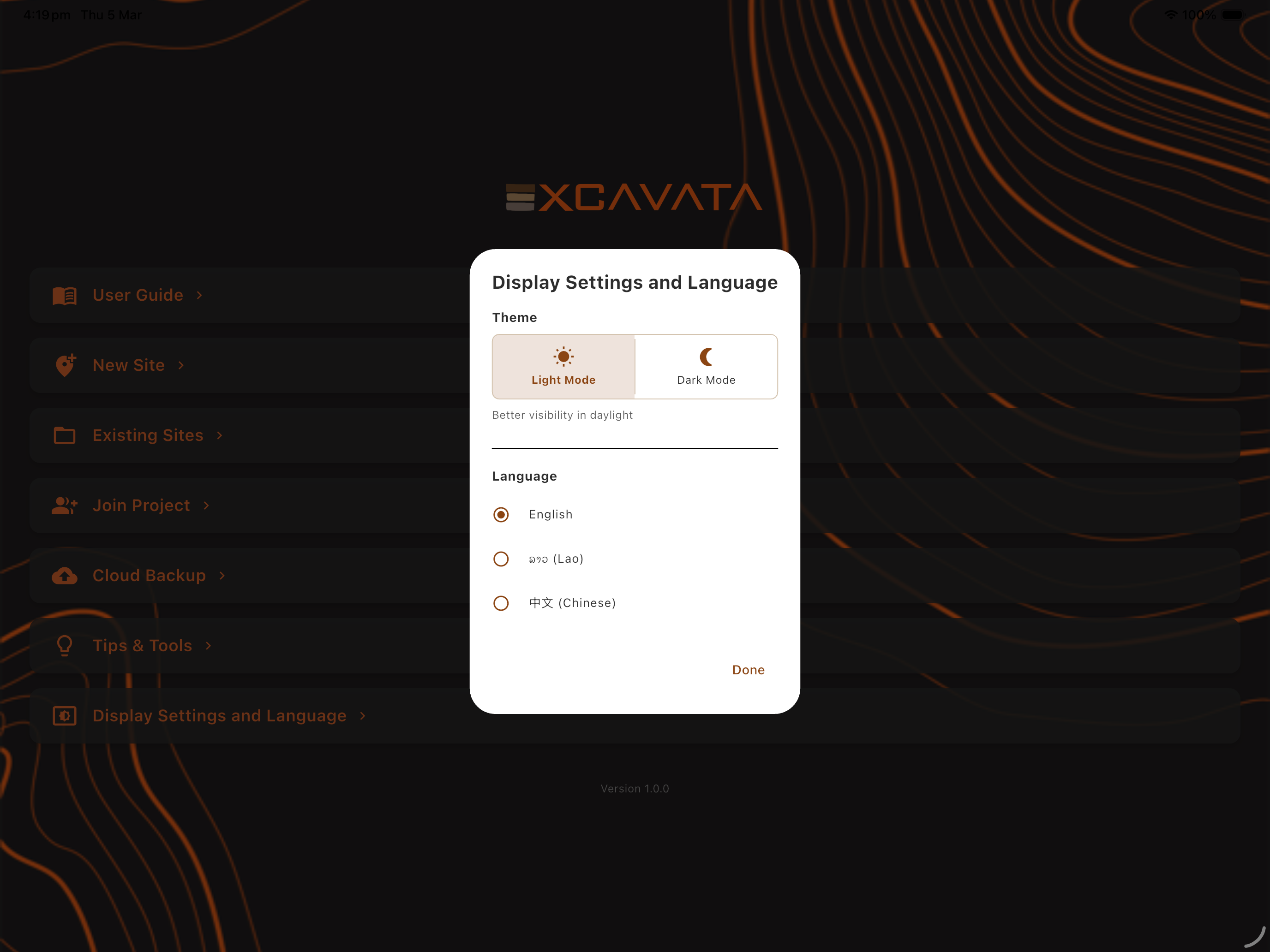
  • English, Lao, and Chinese interfaces
  • Localised field labels and terminology
  • Switch languages per-device
  • More languages coming soon
Multi-language support with English, Lao, and Chinese interfaces

See the desktop side

Excavata's desktop app picks up where mobile leaves off — bulk processing, visualisation, and reporting.

Desktop Features